
Menu
close

We all want to have a website that loads quickly. This often involves ensuring that js and css files are loaded correctly and minimised, gzip compression is enabled, some sort of cacheing system is in place, and so on... However, it's important to remember that images often make up well over 50% of the page size (in kb).
Correctly sized and optimised images can reduce the page load dramatically. Generally speaking, there is no need for any web image to be over 400kb, and that's only if they're being used to fill the screen.
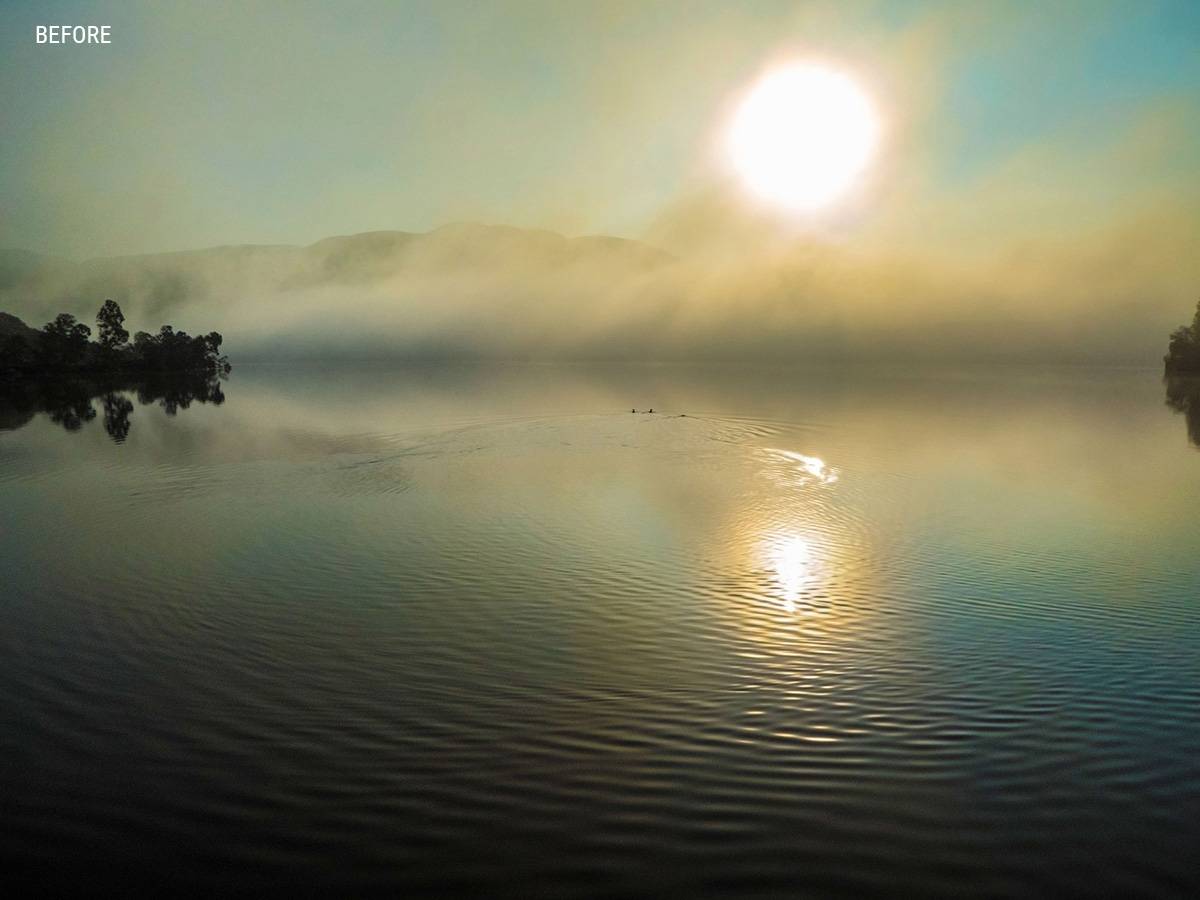
The images below are both 1200x900px. The BEFORE image is 260kb and the AFTER image is 50kb (the AFTER image has been optimised using ImageOptim). See if you can spot the difference.

It's also important to understand the different image types and how best to use them. These are the most important ones…
Photographs should nearly always be saved in the JPG format. The only exception to this, is if you want to include transparency, or if the image as a a lot of flat colour; in which case use a PNG format.
The PNG format retains a lot of quality and is perfect for images with lots of flat colours (such as logos) or gradients. Photographs of all types can be saved as a PNG, but they won't be as small as a JPG. PNG files can also be saved with transparency. PNG was developed as a replacement for the GIF format, and is now much more popular despite the fact that it doesn't support animation
GIF files use indexed colour, and so only allow for a maximum of 256 colours. They allow for very simple animation, but often appear degraded due to the limited colour range.
The SVG is essentially a text file with an SVG suffix. It therefore uses the fraction of the file size of a similar PNG file. However, it is only really suitable for images with flat areas of colour. They are usually generated in applications such as Illustrator. SVG graphics are increasingly being used for shape dividers and animation.
WebP is a new image format that provides superior lossless and lossy compression for images on the web. WebP lossless images are 26% smaller in size compared to PNGs. WebP lossy images are 25-34% smaller than comparable JPEG images - more details.
There are also plenty of other image file formats not listed here (i.e. BMP, TIF, etc.), but the above are generally the most commonly used, and are widely supported in all contemporary browsers.
Specialising in responsive Wordpress website design, development, hosting, site optimisation, digital marketing, as well as graphic design for print.